Unbuild Orders
You can break down the completed work into its parts by using the unbuild method.
There may be situations when a specific product needs to be converted to different
components. After that, you will have to maintain the documentation for each part.
The manufacturing module provides easy management and regulation of such an unbuild
press. The manufacturing module's Operation menu will have the options offered.
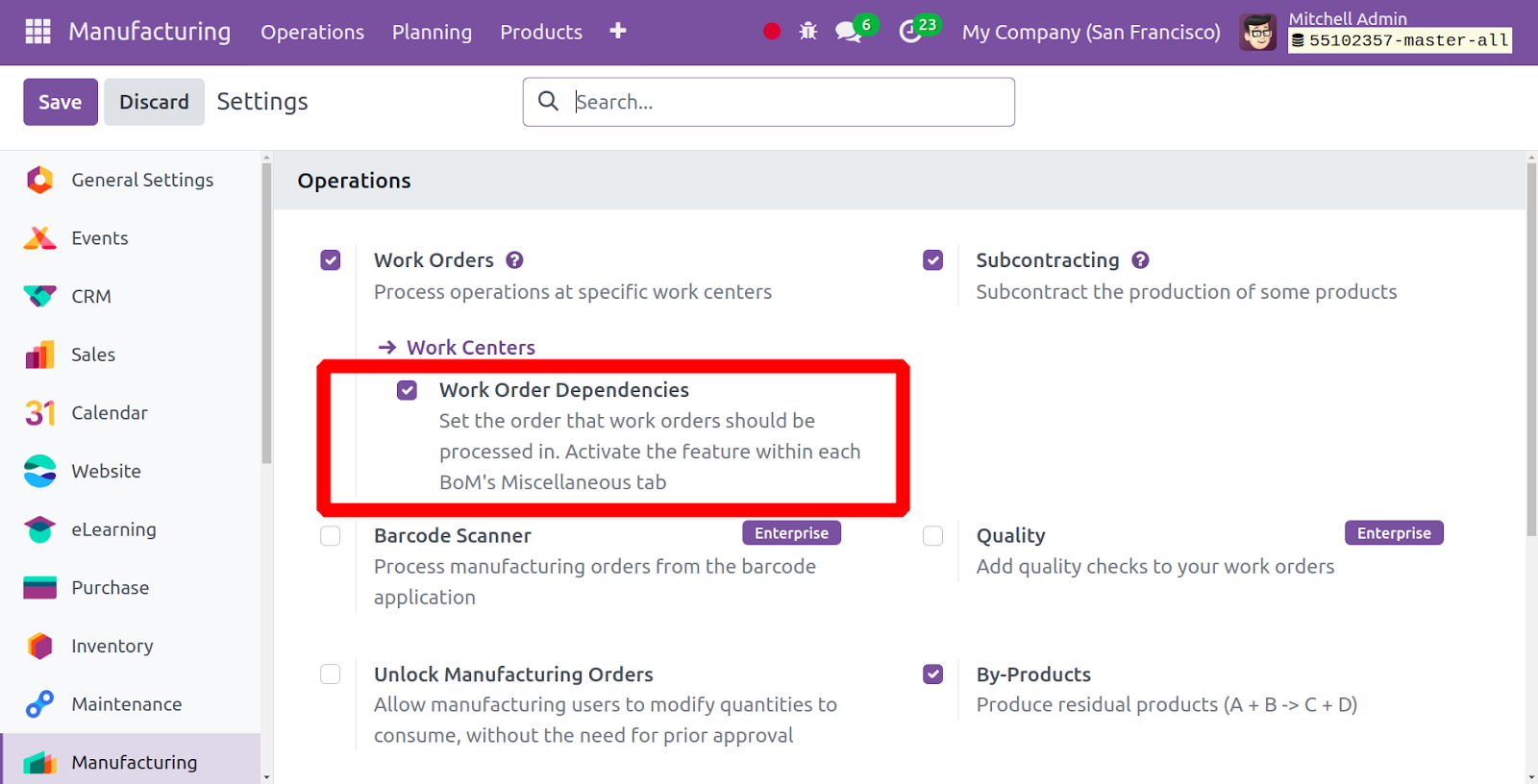
A list of all created and unbuilt orders is available on this page. If a list of
unbuilt orders has already been established, it will be available to you on the
page. If necessary, you can utilize the group by, favorites, and filter features.
You can use the New option to generate an unbuild order of a similar type. The screenshot
below illustrates what the creation page will look like.
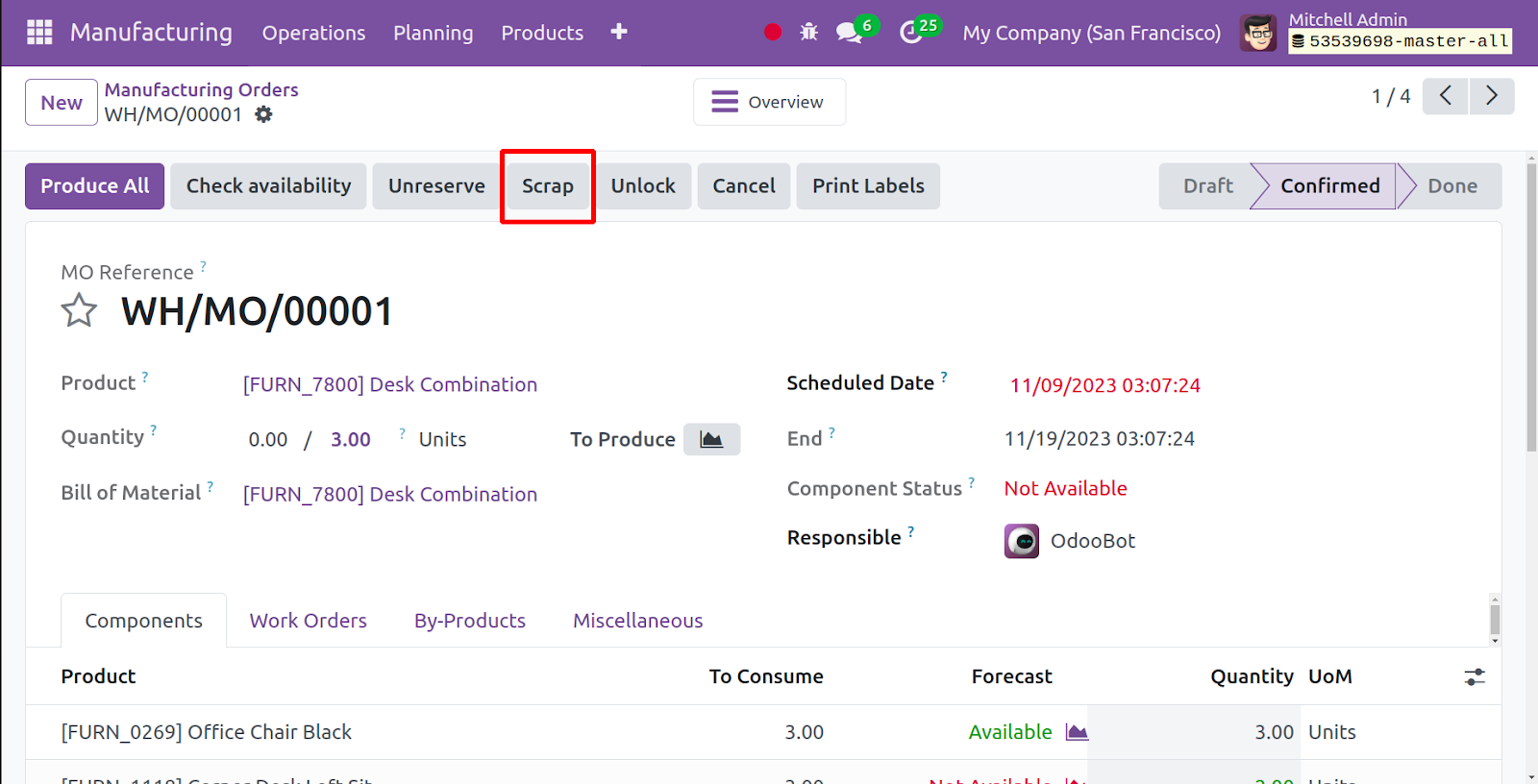
The Product name, Bill of Materials, Quantity, Manufacturing Order, Lot/serial number,
and Company name can all be added here. You can now select the Save icon. The draft
of the unbuild order can be completed by using the unbuild button after saving.
You can utilize the edit option there to make the required adjustments.